
The best AI models.
One free studio.
Umber is a free, open source desktop app for AI image and video generation. Bring your own API keys, pay the labs at cost and keep every creation on your device.
Your keys. The labs’ prices. No one in between.
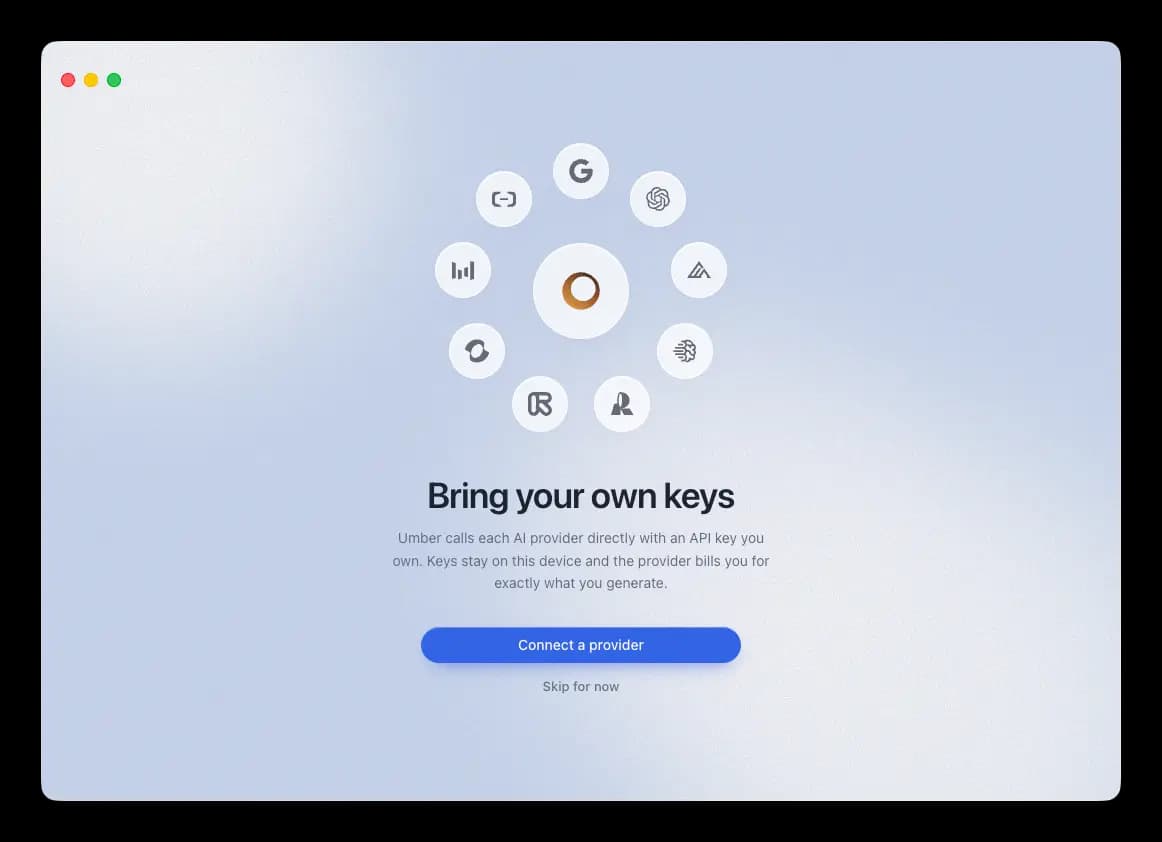
Umber talks to Google, OpenAI, Black Forest Labs and every other major lab directly, with API keys you own. No subscription, no markup, no account. An image costs the few cents the lab charges and everything you make stays on your machine.
Pick a model the way you pick a brush
The newest image and video models from every major lab, side by side. One key is enough to start.

GPT Image 2
OpenAI
Know the cost before you create
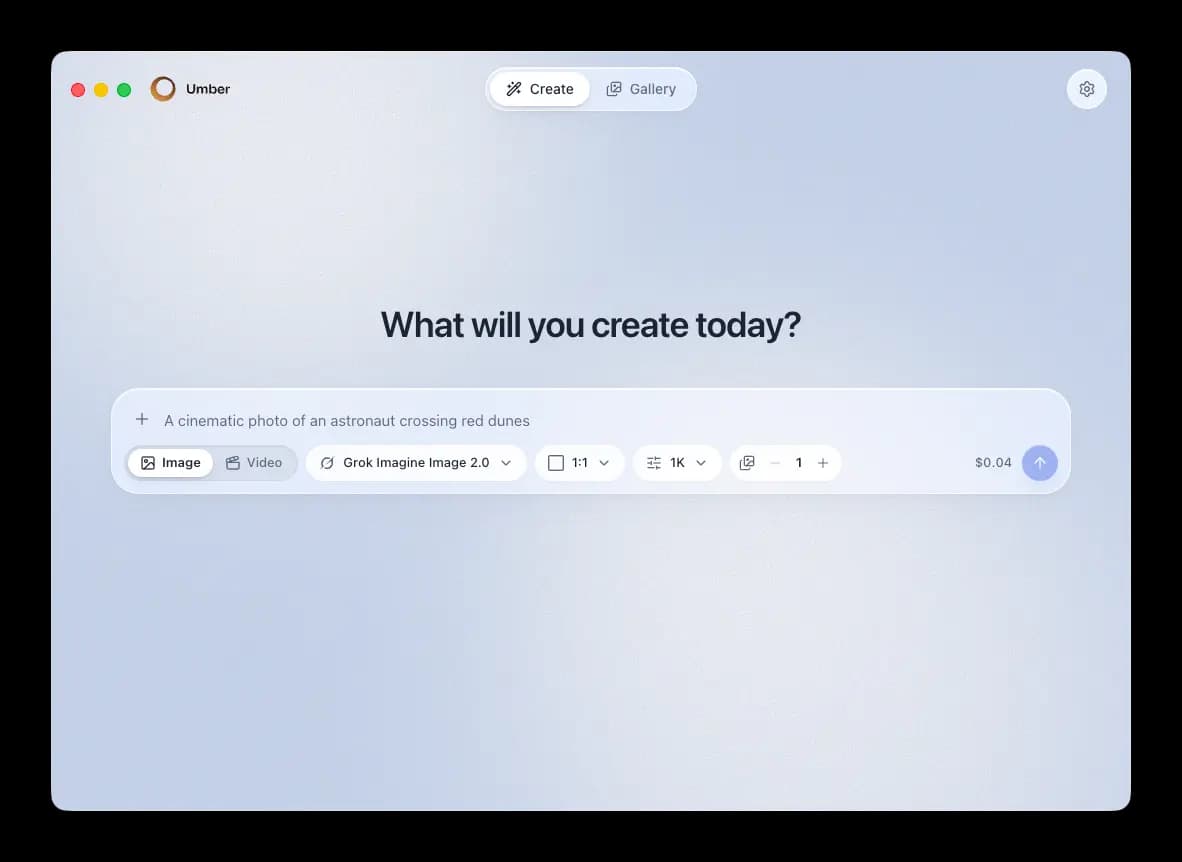
Type a prompt, pick a size and let it run. Umber shows the exact price of every generation before you send it, so a whole session costs cents instead of a monthly plan.
- Every size from square to cinematic, up to 4K
- Reference images to guide the result
- Image and video from the same prompt box


Your work stays with you
Every generation is saved on your device with the prompt, model and settings that made it, so you can pick any thread back up and run it again. Nothing is uploaded anywhere.
Your keys get the same treatment: encrypted into your operating system’s keychain, sent only to the lab they belong to.
Creating in three steps
Download Umber
Free on macOS, Windows and Linux. No account.
Connect a key
Guided setup for your provider, then the key is encrypted into your OS keychain.
Create
Prompt, generate, iterate. The lab bills you at cost.
Free. Actually free.
Umber is MIT licensed software you download and keep. The only money you ever spend goes to the AI labs, at their list price.
A typical AI subscription
$30/month
- A fixed bundle of credits, whether you use them or not
- One vendor's models only
- Your images live on their servers
- Cancel and it all disappears
Umber
$0 + pay labs per generation
- Images from a few cents, billed by the provider at cost
- The newest models from every major lab, side by side
- Your gallery and keys never leave your device
- MIT licensed, yours forever
Fair questions
Yes. Umber is open source under the MIT license. The only costs are the API fees you pay the labs directly for what you generate. Umber adds no markup and takes no cut.
Google, OpenAI, Black Forest Labs, ByteDance, Kuaishou (Kling), Alibaba, Runway, Ideogram, Recraft, xAI, Reve and MiniMax (Hailuo).
No. Keys are encrypted into your OS keychain and requests go straight from your computer to the provider. Your gallery lives on your device. There is no Umber server or account in the middle.
One is enough. The model picker shows what each key unlocks and walks you through adding more whenever you want them.
macOS, Windows and Linux, as a native desktop app.
Start creating in minutes
Free and open source. No account, no subscription.